You want to start streaming on Twitch or YouTube, but the amount of gear out there is overwhelming. If you want to build an audience in 2026, you cannot stream with a laptop microphone and a dark, grainy webcam. Viewers decide if they are going to stay in your channel within the first five seconds.
You don't need a $5,000 dual-PC setup to succeed, but you do need the right pieces of gear to look and sound professional from day one. In this guide, we break down the exact 10 pieces of equipment you need to build the ultimate streaming studio.
Step 1: Perfect Your Audio (The Most Important Rule)
Viewers will forgive 720p video, but they will leave instantly if your microphone echoes, picks up your mechanical keyboard, or sounds muffled. Audio is 70% of the streaming experience.
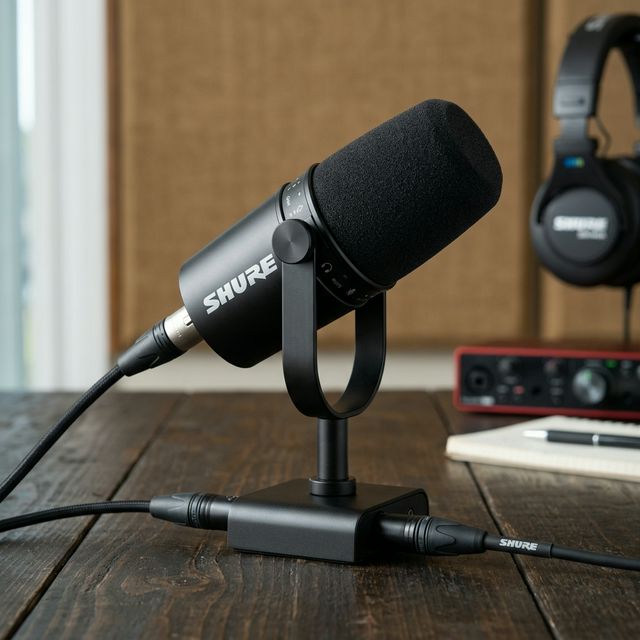
1. Shure MV7 USB/XLR Podcast Microphone
Why you need it: This is the ultimate hybrid microphone. Because it is a dynamic mic, it rejects the background noise in your untreated bedroom. You can plug it straight in via USB today, and upgrade to an XLR interface later.
Check Price on Amazon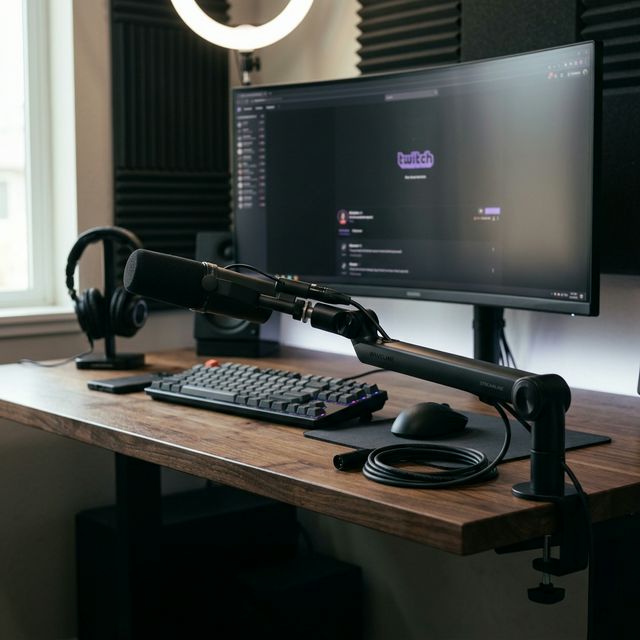
2. Elgato Wave Mic Arm LP (Low Profile)
Why you need it: A great mic needs to be close to your mouth. Standard boom arms block your monitor, but this low-profile arm sweeps under your screens, keeping your setup clean and your face fully visible on camera.
Check Price on Amazon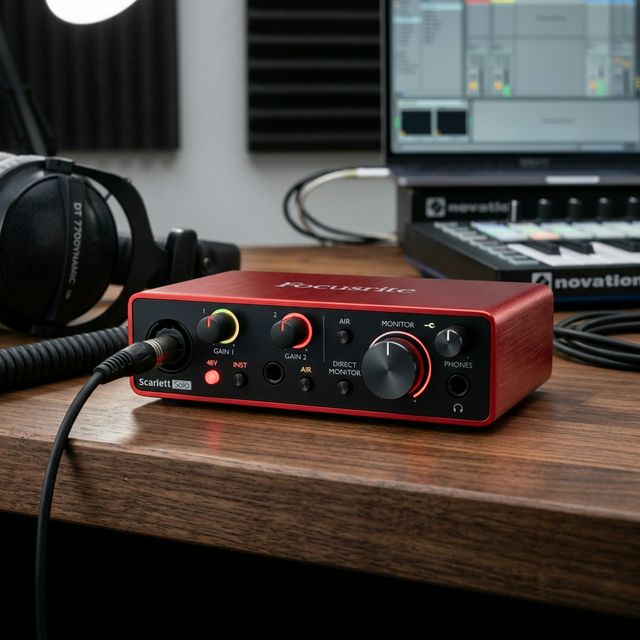
3. Focusrite Scarlett Solo (Audio Interface)
Why you need it: Once you are ready to upgrade your Shure MV7 from USB to XLR for that true broadcast-radio voice, the Scarlett Solo is the industry-standard interface that powers your mic flawlessly with zero latency.
Check Price on AmazonStep 2: Nailing Your Visuals
Once your audio is locked in, you need to fix your video. The secret here isn't buying a $1,000 mirrorless camera—it's buying a budget webcam and pairing it with premium lighting.
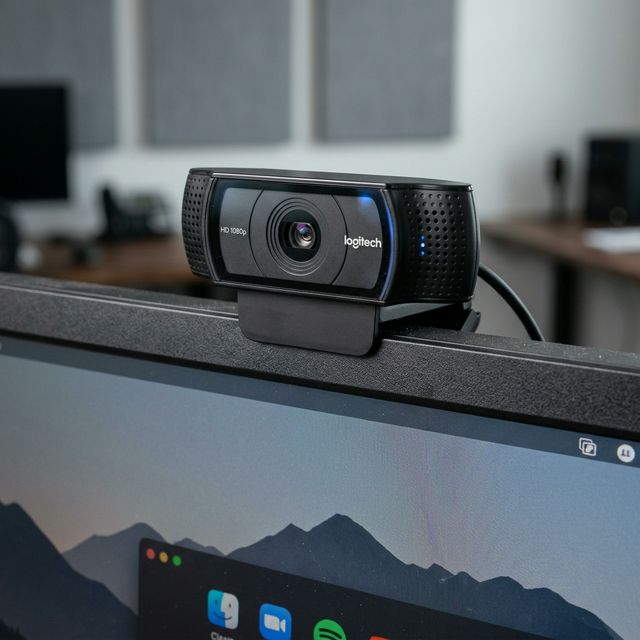
4. Logitech C920x HD Pro Webcam
Why you need it: The undisputed king of budget webcams. It delivers sharp 1080p video and flawless plug-and-play integration with OBS. It is all the camera you need to get started.
Check Price on Amazon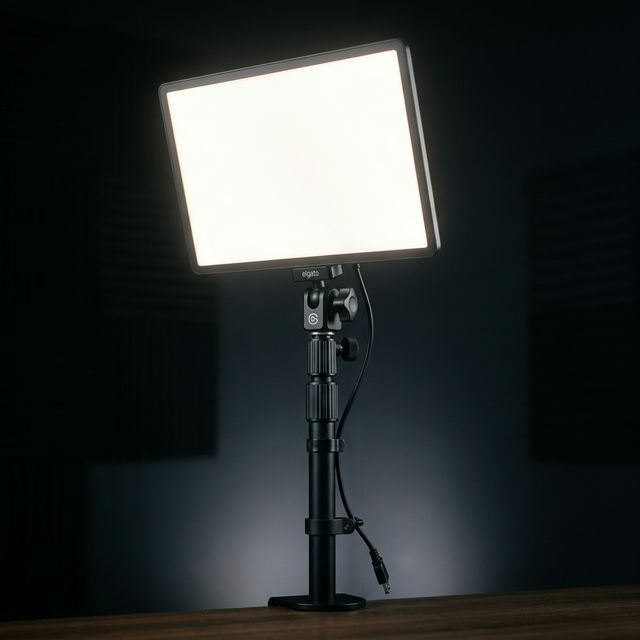
5. Elgato Key Light
Why you need it: A $60 webcam with great lighting looks better than a $500 camera in the dark. The Key Light uses opal glass diffusion to give you soft, flattering, professional studio lighting that won't strain your eyes during long gaming sessions.
Check Price on Amazon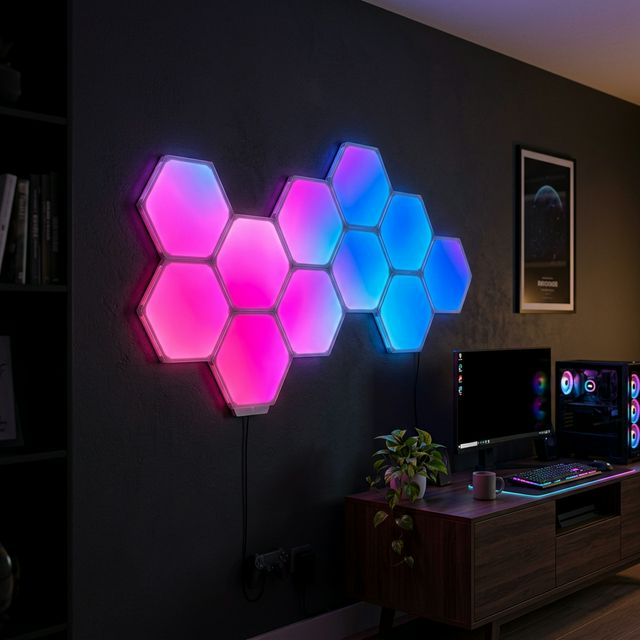
6. Govee Glide Hexa Light Panels
Why you need it: Your background matters. A blank white wall is boring. These customizable RGB panels instantly give your room that premium "streamer" aesthetic, separating you from amateurs and keeping viewers visually engaged.
Check Price on AmazonStep 3: The Engine Room (Capture & Control)
To run a smooth broadcast without lagging your game or fumbling on stream, you need the right hardware to manage the load.
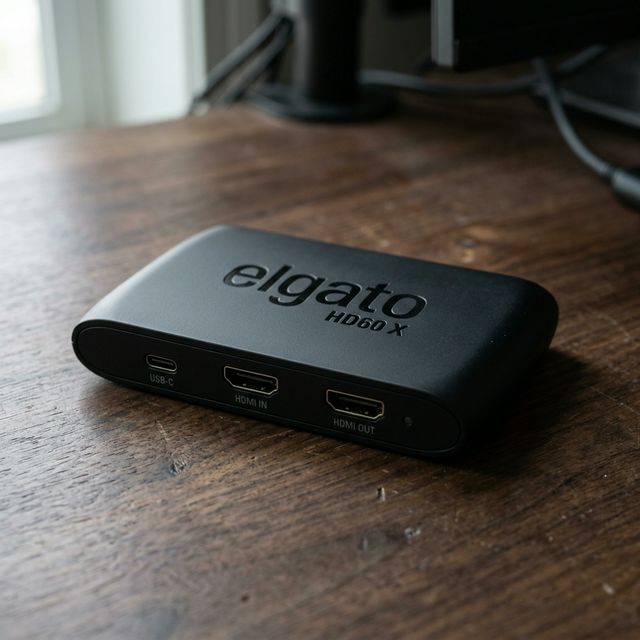
7. Elgato HD60 X Capture Card
Why you need it: If you stream console games (PS5, Xbox Series X), you must have a capture card. The HD60 X passes 4K60 HDR video to your TV with zero lag while sending a pristine 1080p feed to your streaming software.
Check Price on Amazon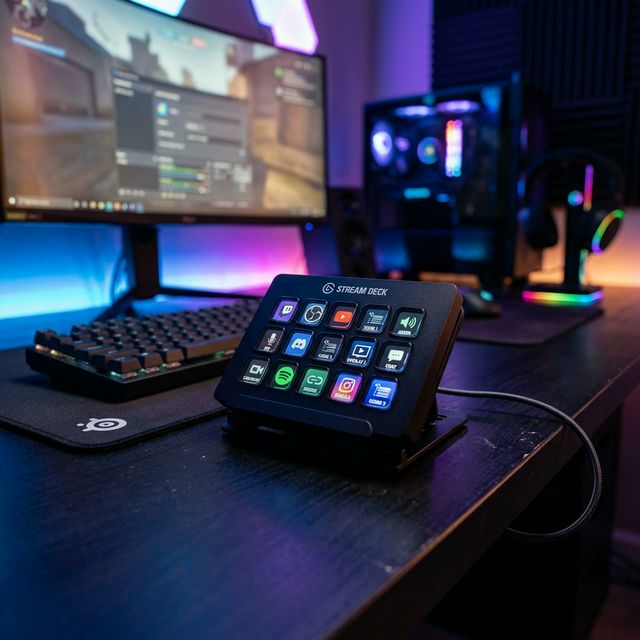
8. Elgato Stream Deck MK.2
Why you need it: Trying to Alt-Tab mid-game to mute your mic or switch scenes is a nightmare. The Stream Deck gives you 15 tactile LCD keys to control your entire broadcast like a TV producer.
Check Price on Amazon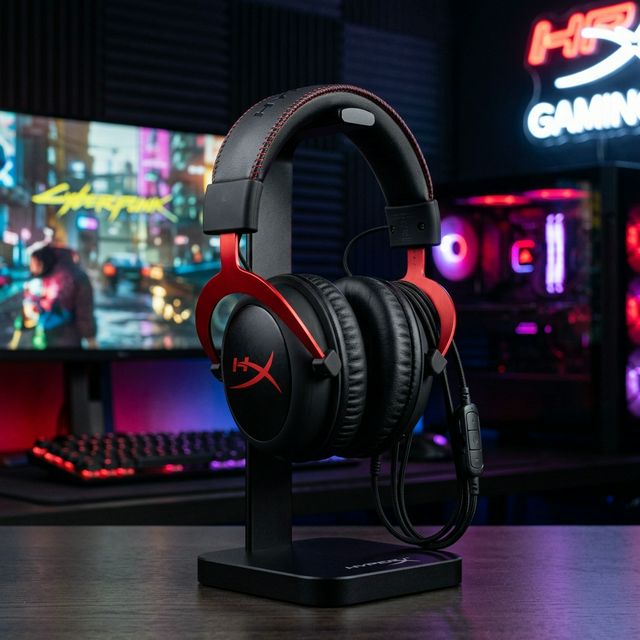
9. HyperX Cloud II Gaming Headset
Why you need it: You can't use desktop speakers while streaming (your mic will pick them up). The HyperX Cloud II is legendary for a reason: absurdly comfortable memory foam for 8-hour streams, 7.1 surround sound, and a durable aluminum frame.
Check Price on Amazon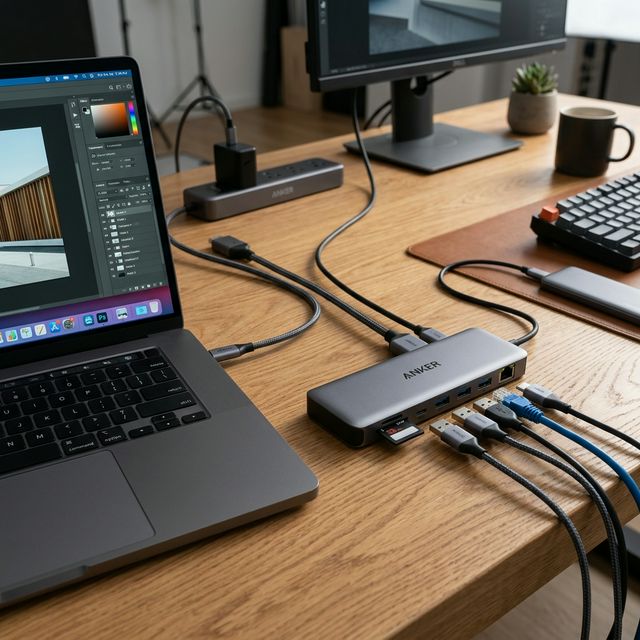
10. Anker USB-C Hub (10-in-1)
Why you need it: Mics, cameras, lights, and stream decks require a massive amount of USB ports. This Anker hub expands your connectivity seamlessly so you never have to unplug a device to make room for another.
Check Price on AmazonStreaming Setup FAQ
Do I need two PCs to stream?
In 2026, no. Modern CPUs and GPUs (like Nvidia's NVENC encoder) are incredibly efficient. A single, reasonably powerful modern PC can easily handle gaming and streaming simultaneously.
What software should I use to stream?
OBS Studio is the gold standard. It is 100% free, uses very little CPU power, and integrates perfectly with all the gear listed above (especially the Stream Deck).
The Bottom Line
Don't let gear paralysis stop you from going live. If you are on a tight budget, buy the Shure MV7 and the Logitech C920x first. Perfect your audio and basic video, then slowly add the lighting, capture cards, and stream decks as your channel begins to grow.